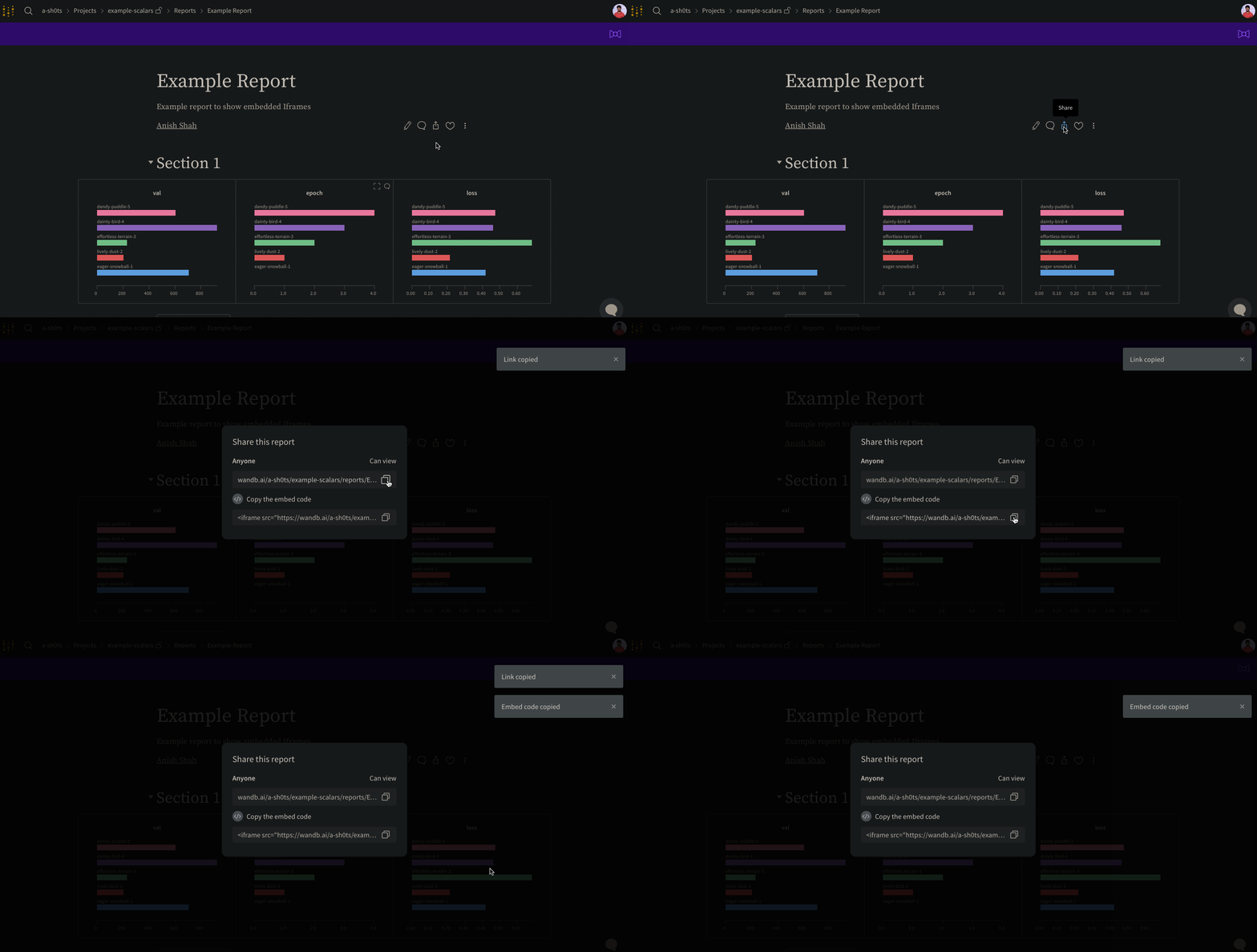
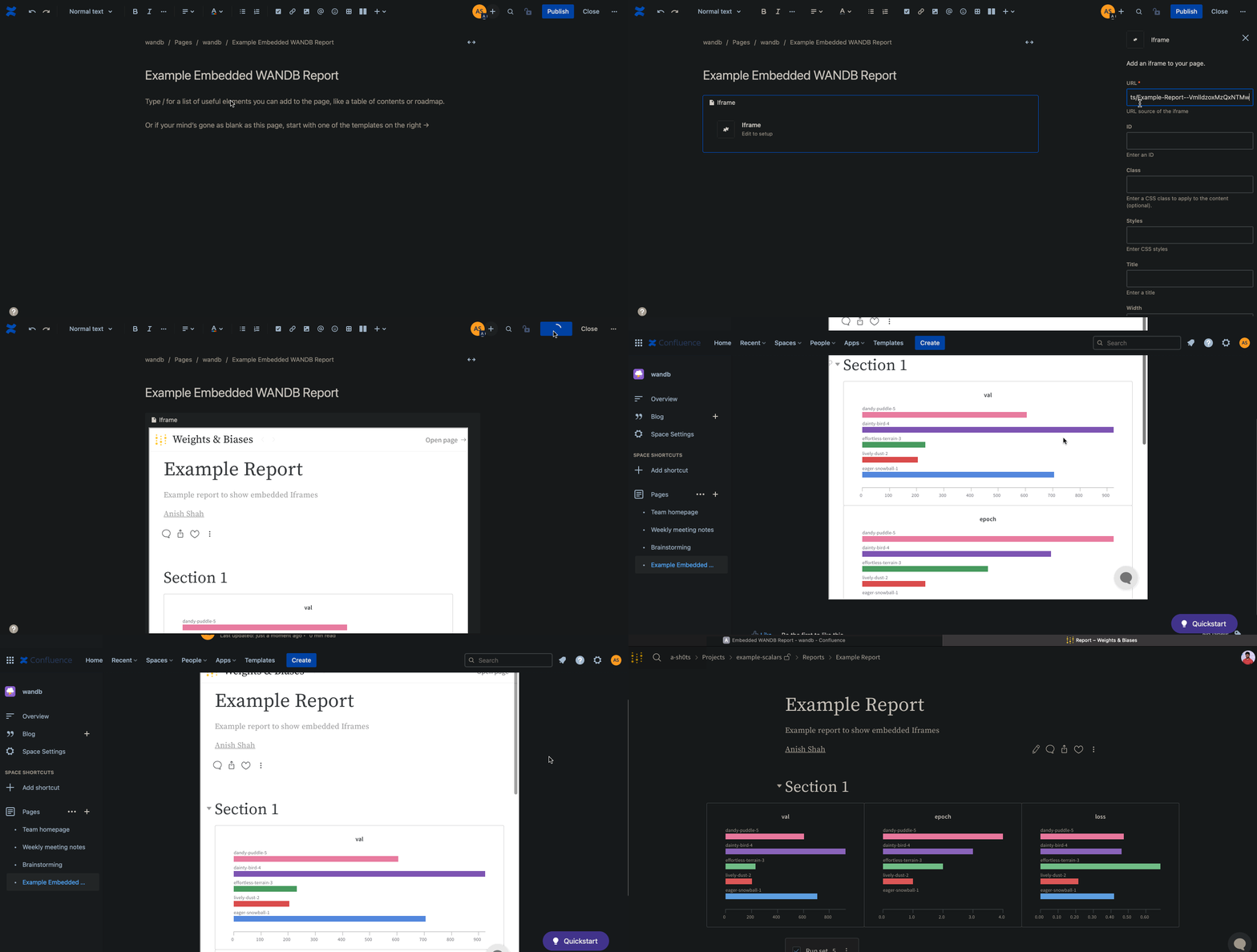
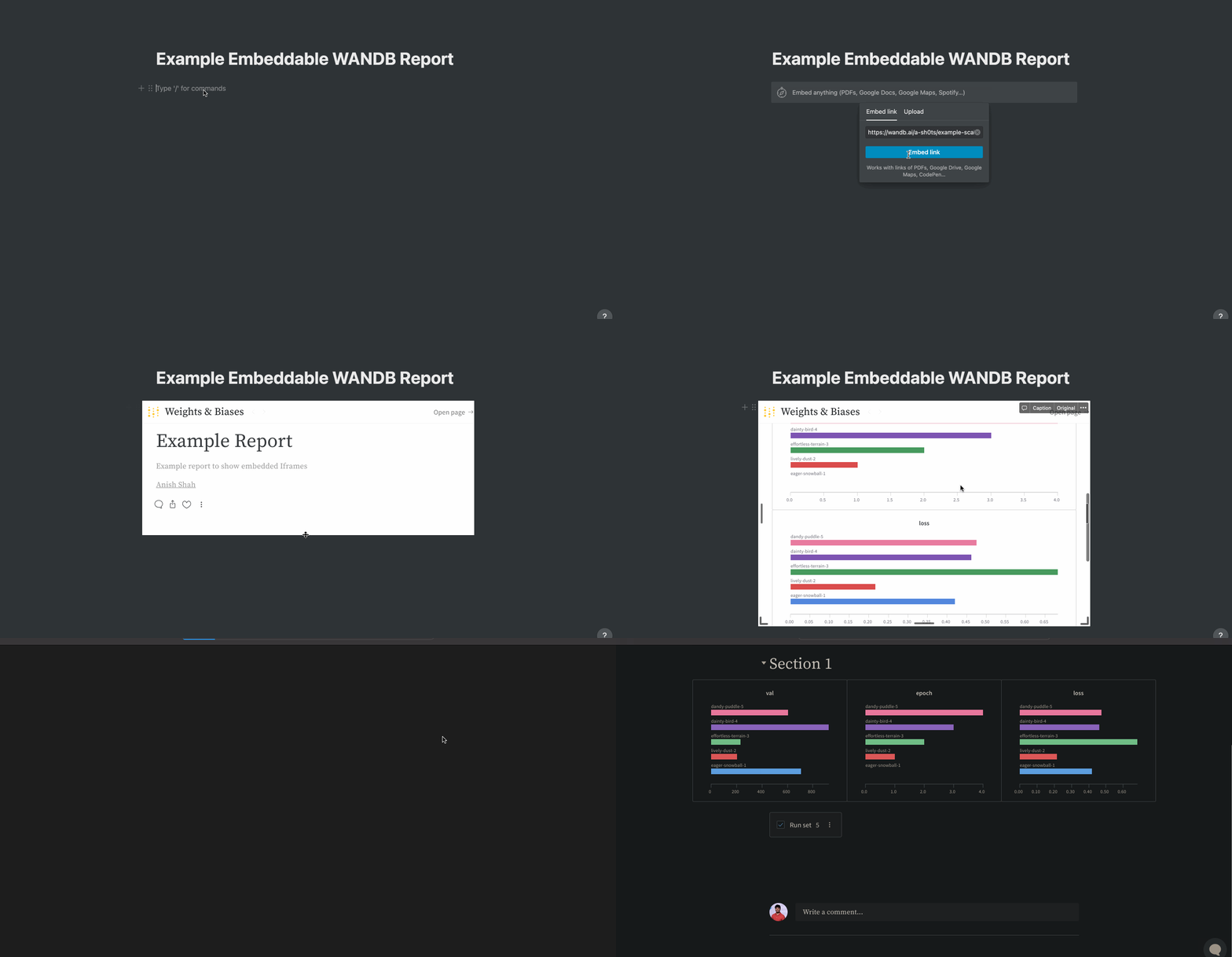
리포트 오른쪽 상단의 Share 버튼을 선택합니다. 모달 창이 나타납니다. 모달 창에서 Copy embed code를 선택합니다. 복사한 코드는 Inline Frame (IFrame) HTML 요소 안에서 렌더링됩니다. 원하는 iframe HTML 요소에 복사한 코드를 붙여넣습니다.
임베드하면 public Reports만 볼 수 있습니다.
gr.HTML 요소를 사용해 Gradio Apps에 W&B Reports를 임베드하고, 이를 Hugging Face Spaces에서 사용할 수 있습니다.
import gradio as gr


def wandb_report(url):
    iframe = f'<iframe src={url} style="border:none;height:1024px;width:100%">'
    return gr.HTML(iframe)


with gr.Blocks() as demo:
    report = wandb_report(
        "https://wandb.ai/_scott/pytorch-sweeps-demo/reports/loss-22-10-07-16-00-17---VmlldzoyNzU2NzAx"
    )
demo.launch()